Overview
A motherly presence, shaped by the user and framed with clear limits.
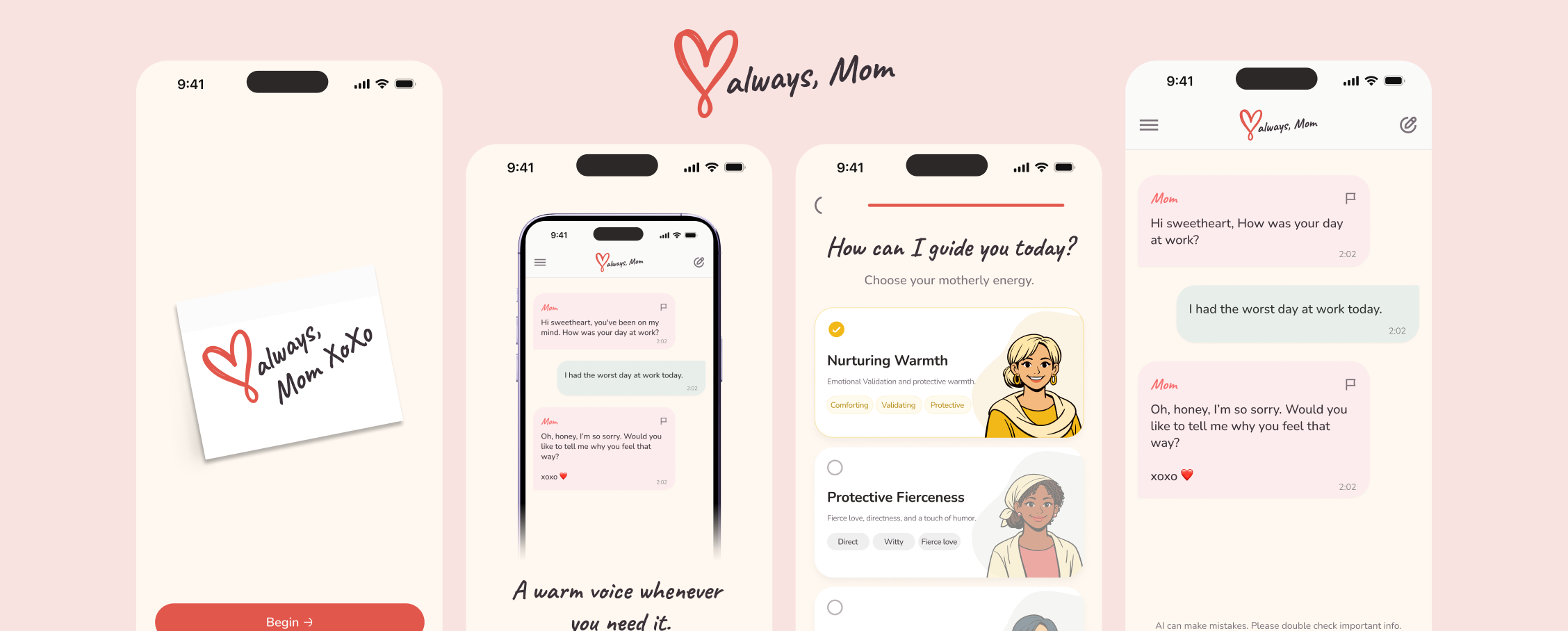
Love Always, Mom is a mobile experience built around an AI-generated motherly presence. It lets users choose a communication energy, have supportive conversations, return to chat history and carry continuity into reminders and a calendar. The interface also keeps AI limitations, reporting, crisis resources, transparency and account controls visible.
My Role
As Product Designer, I shaped the mobile experience shown in Figma across introduction, onboarding, conversational states, personalization, reminders, settings and safety-conscious touchpoints. My focus was the product structure, interaction flows, visual system and reusable patterns across chat, forms, calendars, overlays and settings.
The Problem
Supportive without pretending to be human or infallible.
The central design tension was to make a digital “Mom” feel warm and personal while keeping its AI nature, limitations and safety boundaries understandable. The experience also needed to connect sensitive conversation with practical tools such as history and reminders without hiding reporting, crisis resources or account control.
The Goal
Make warmth, control and transparency part of the same experience.
The goal was to design a personalized mobile companion that supports conversation and everyday planning while keeping AI disclosure, reporting and routes to real-world help easy to find.
How I Kicked Things Off
Starting with the relationship between conversation and control.
I began by reading the experience as a connected journey: the introduction sets expectations, progressive onboarding gathers a name, age and identity, and an Energy selection lets users choose the motherly voice they want. From there, chat becomes the core interaction, with history, reminders and settings providing continuity around it.
I mapped the states where additional clarity mattered—the AI disclosure, report and flagged states, crisis resources, Data & AI Transparency, notification preferences and account controls—then treated the repeated cards, inputs, sheets and status patterns as one mobile system.
The Solution
A personal companion with transparency built around the conversation.
The final design combines a warm conversational identity with progressive personalization, practical reminders and visible controls for reporting, transparency and real-world support.
Introducing the experience before asking for commitment
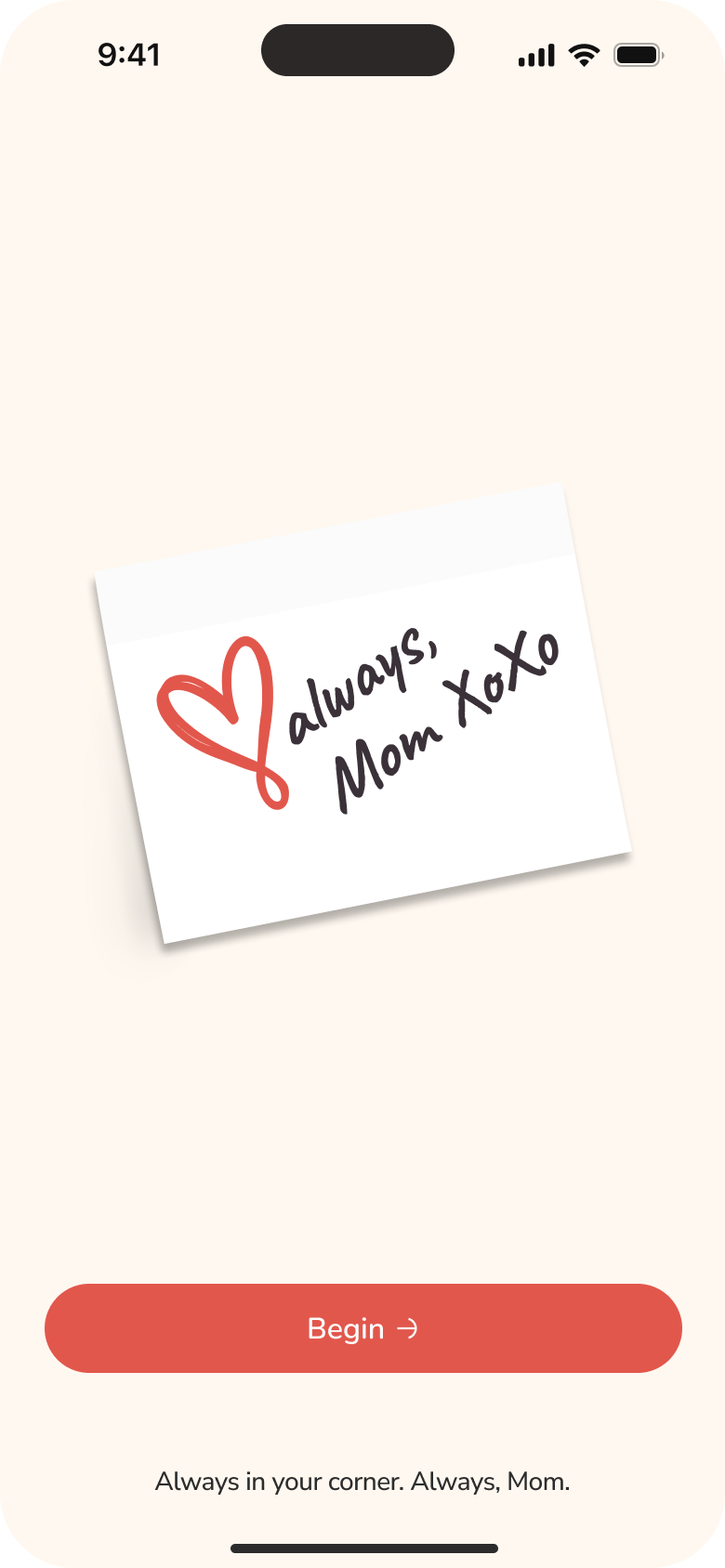
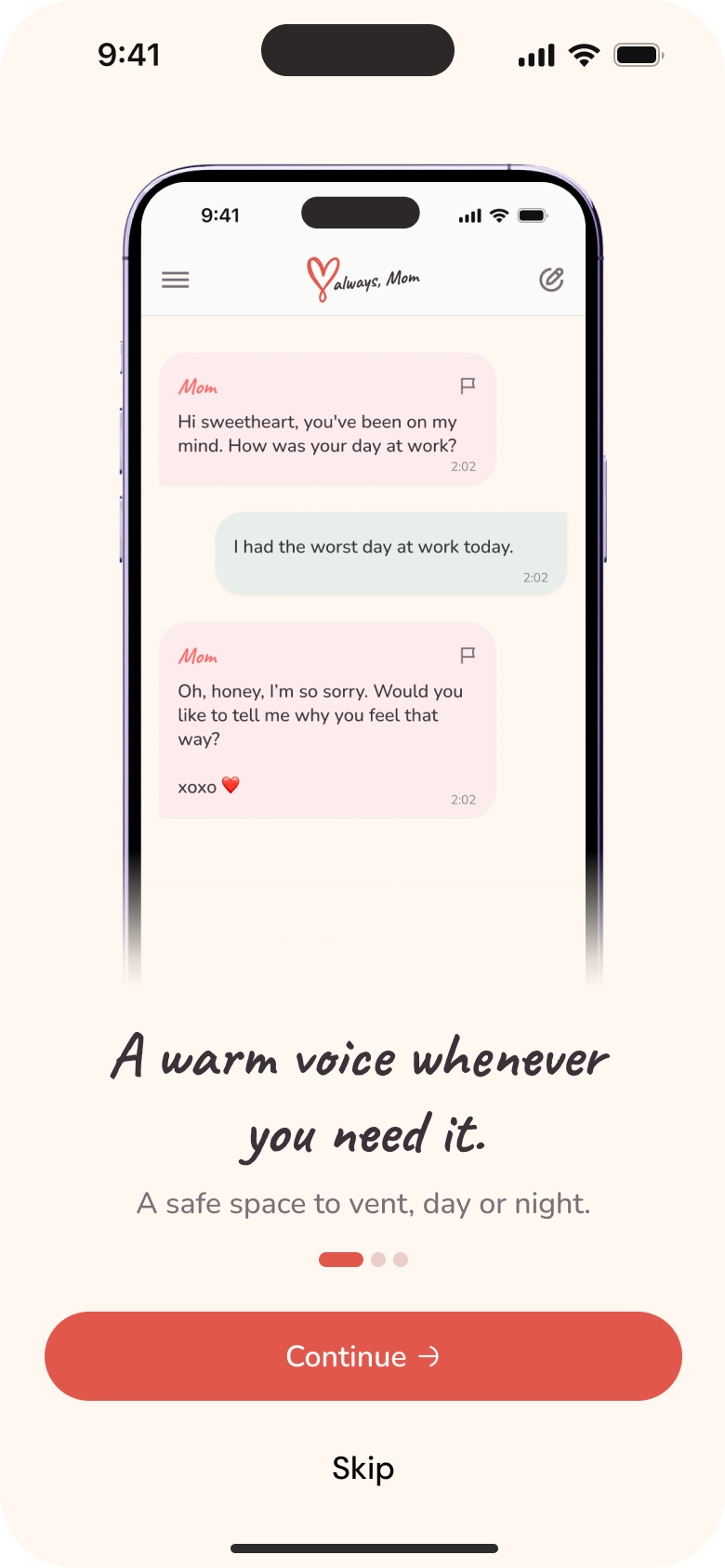
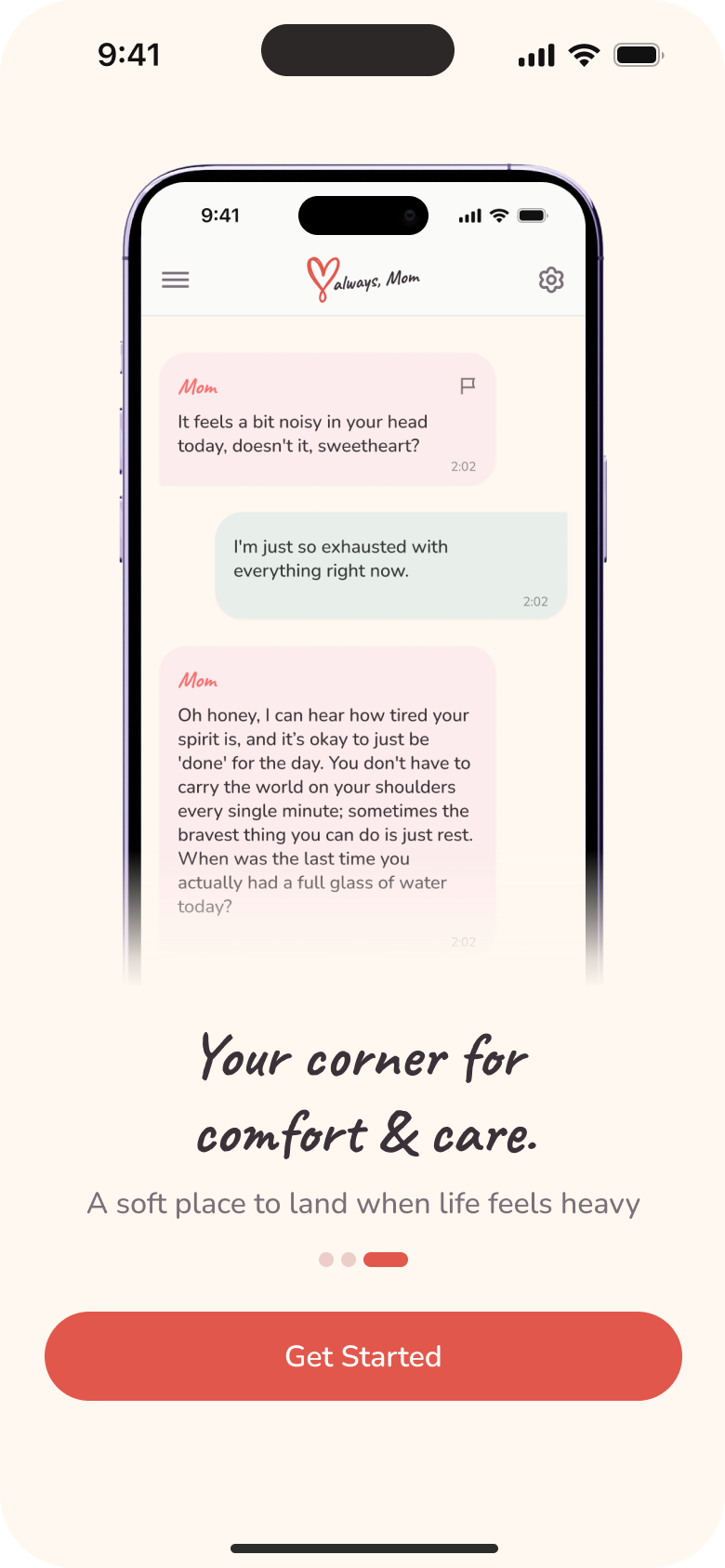
The opening sequence explains the emotional proposition before account setup. A short progression—warm voice, encouragement and comfort—uses conversation examples and concise language so users can understand the experience they are choosing before they sign in.
Personalizing the voice, progressively
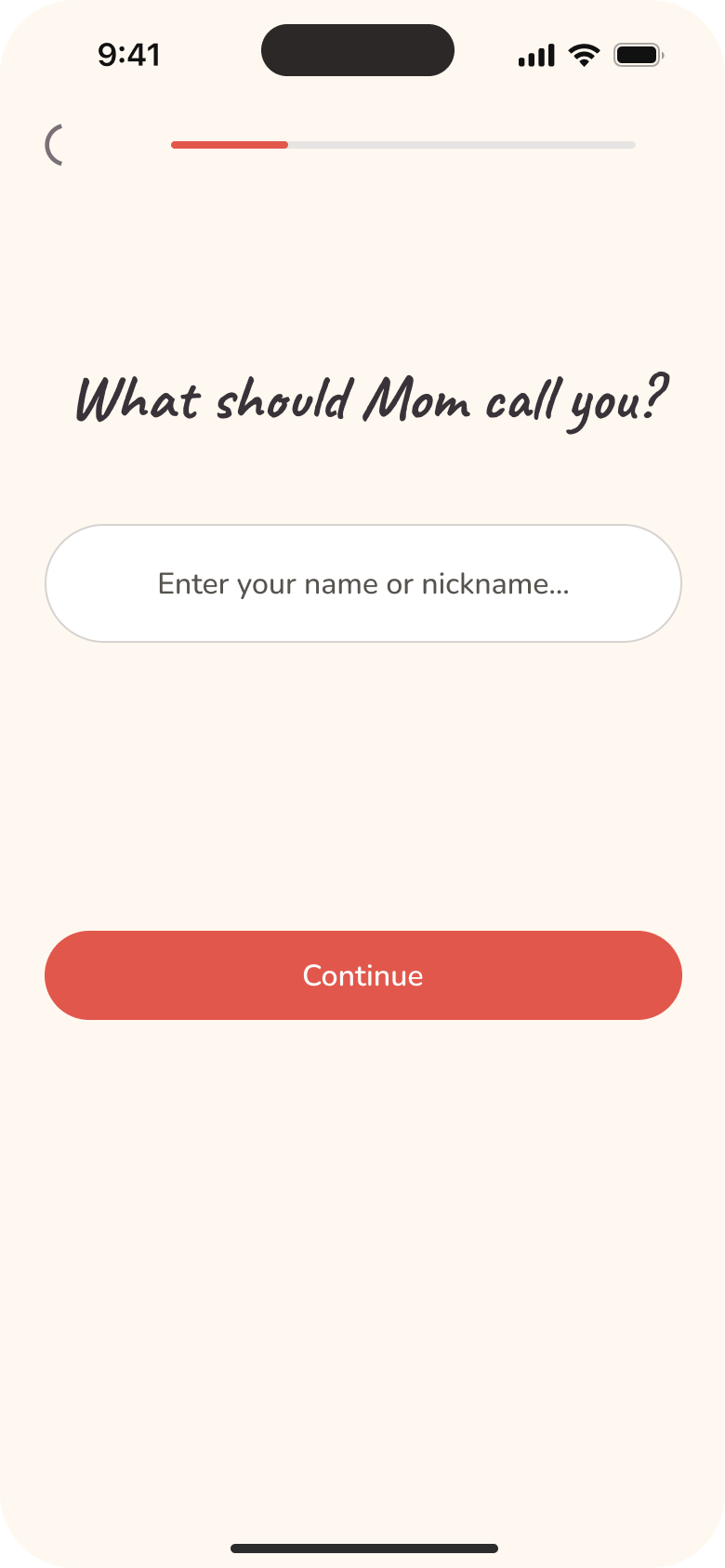
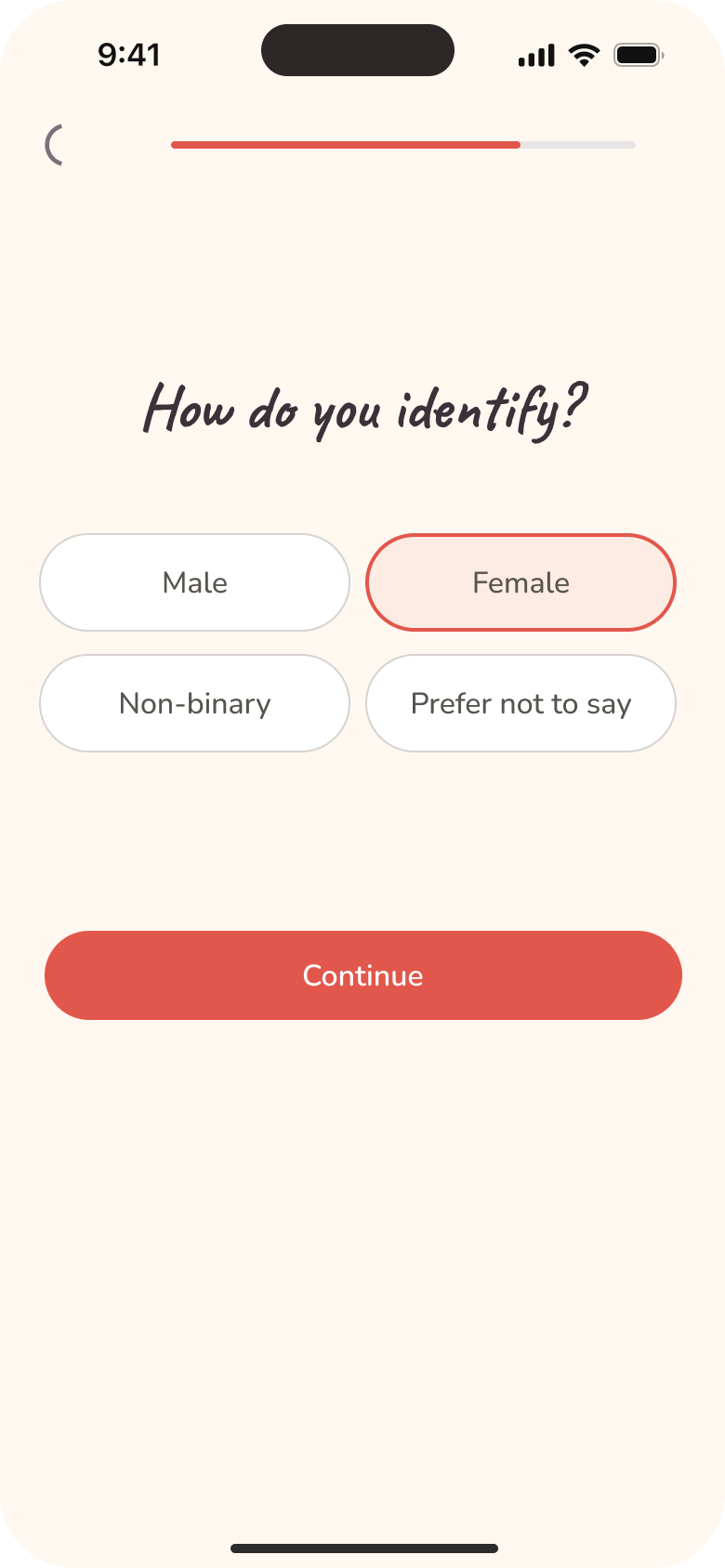
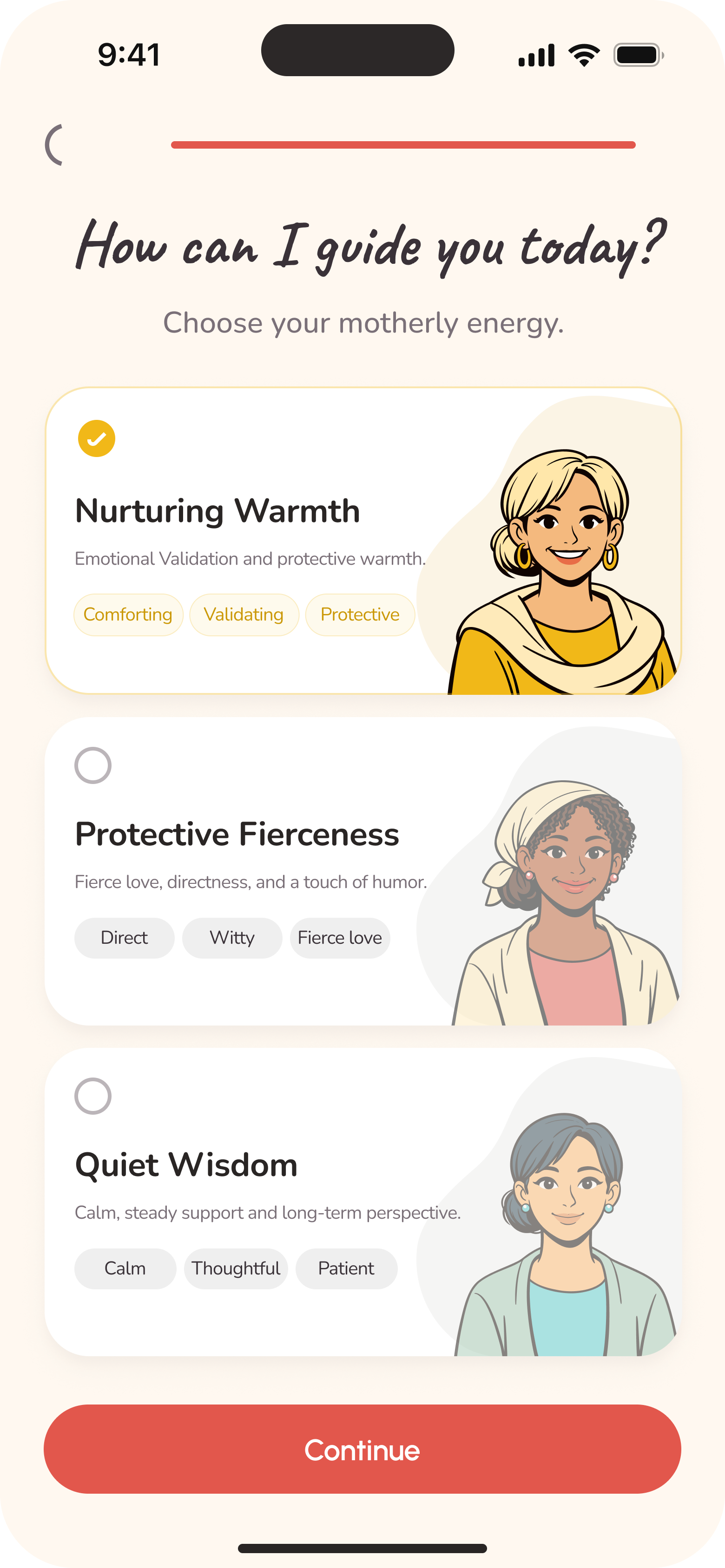
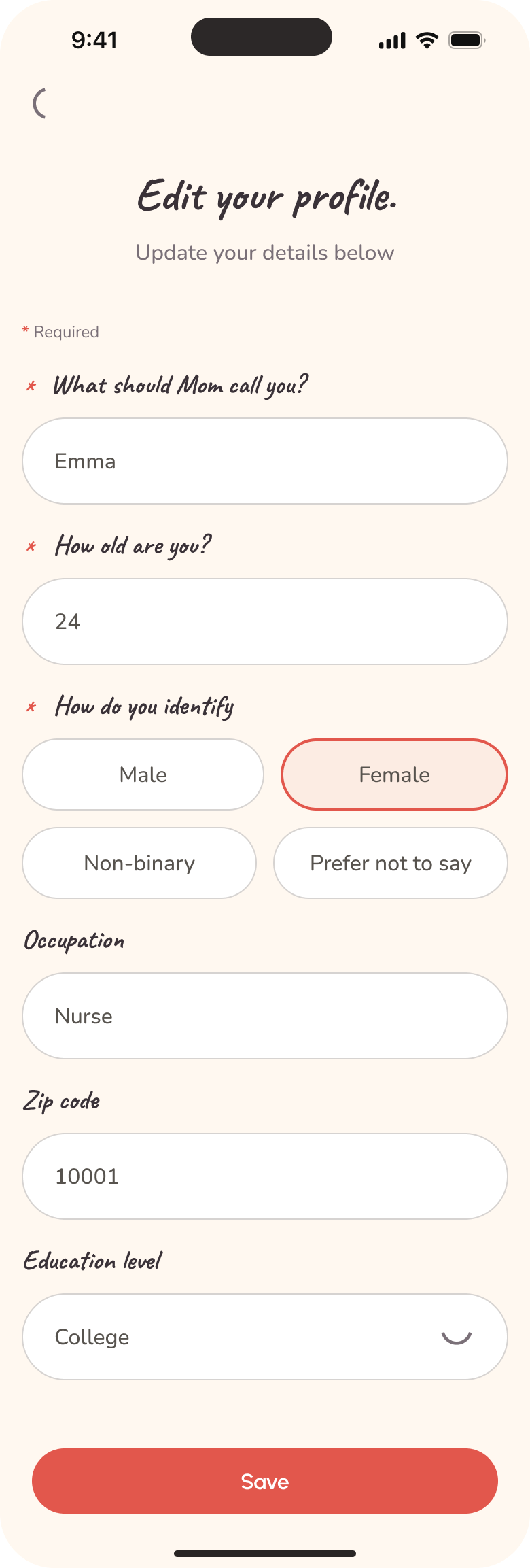
Onboarding asks one question at a time for name, age and identity before presenting three motherly Energy options: Nurturing Warmth, Protective Fierceness and Quiet Wisdom. The design intent is to give personalization a clear purpose without turning setup into one dense form.
Chat as the primary relationship
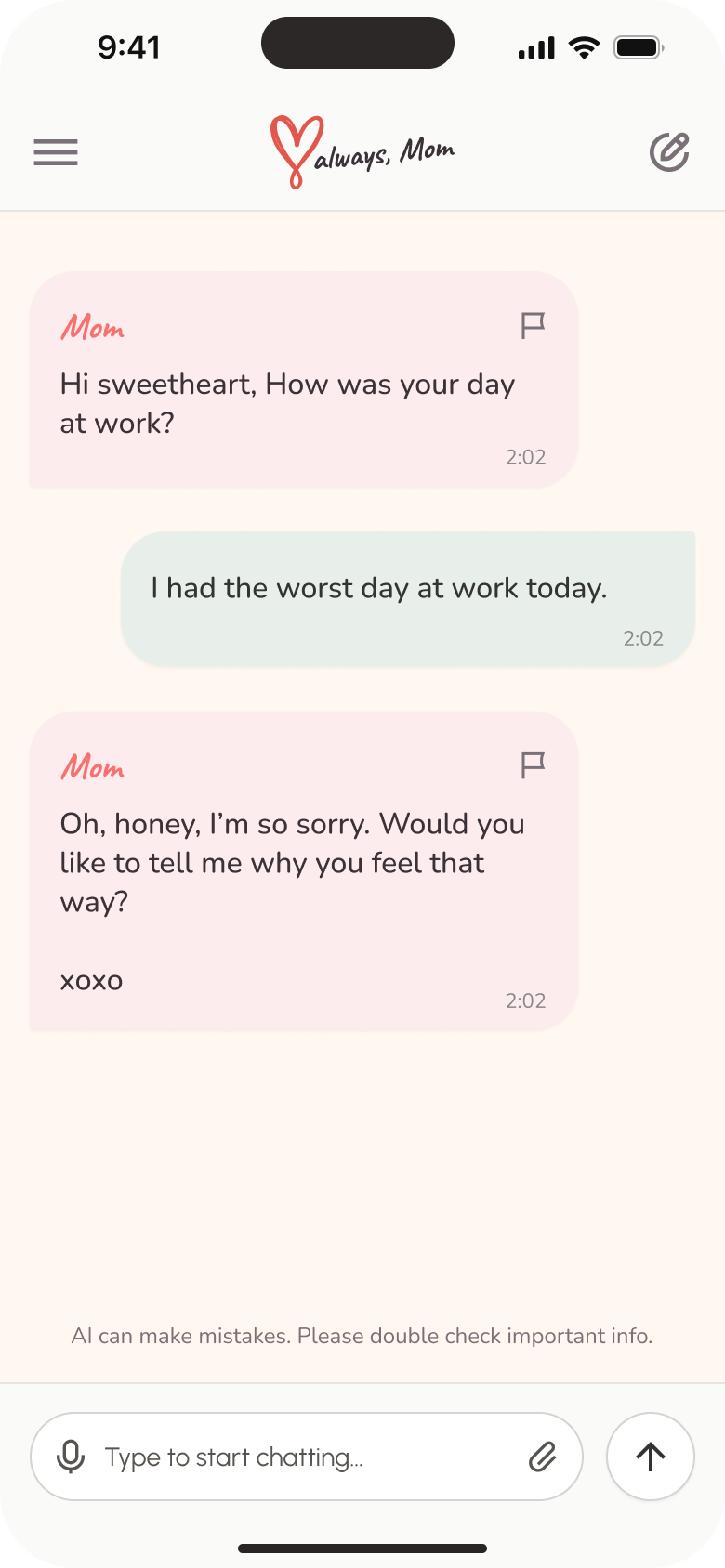
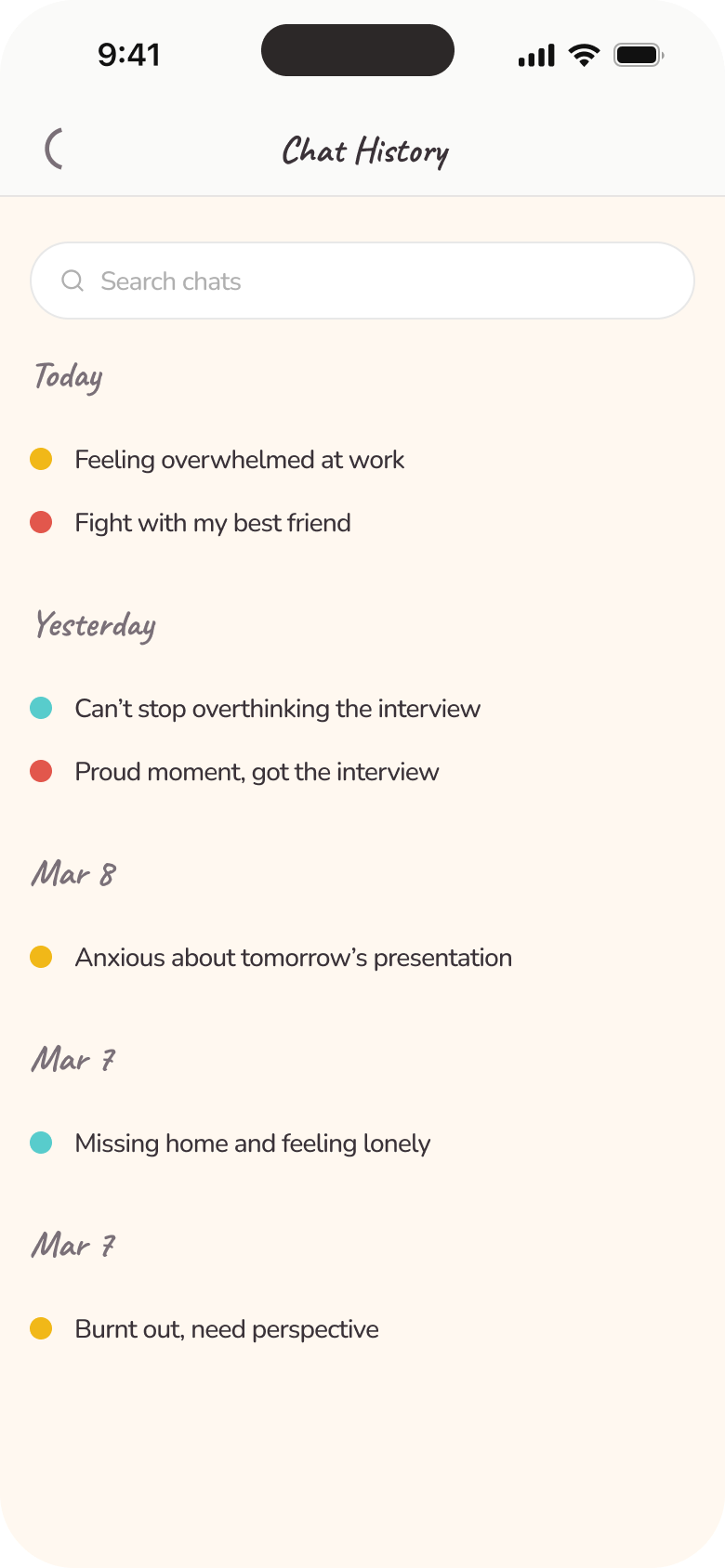
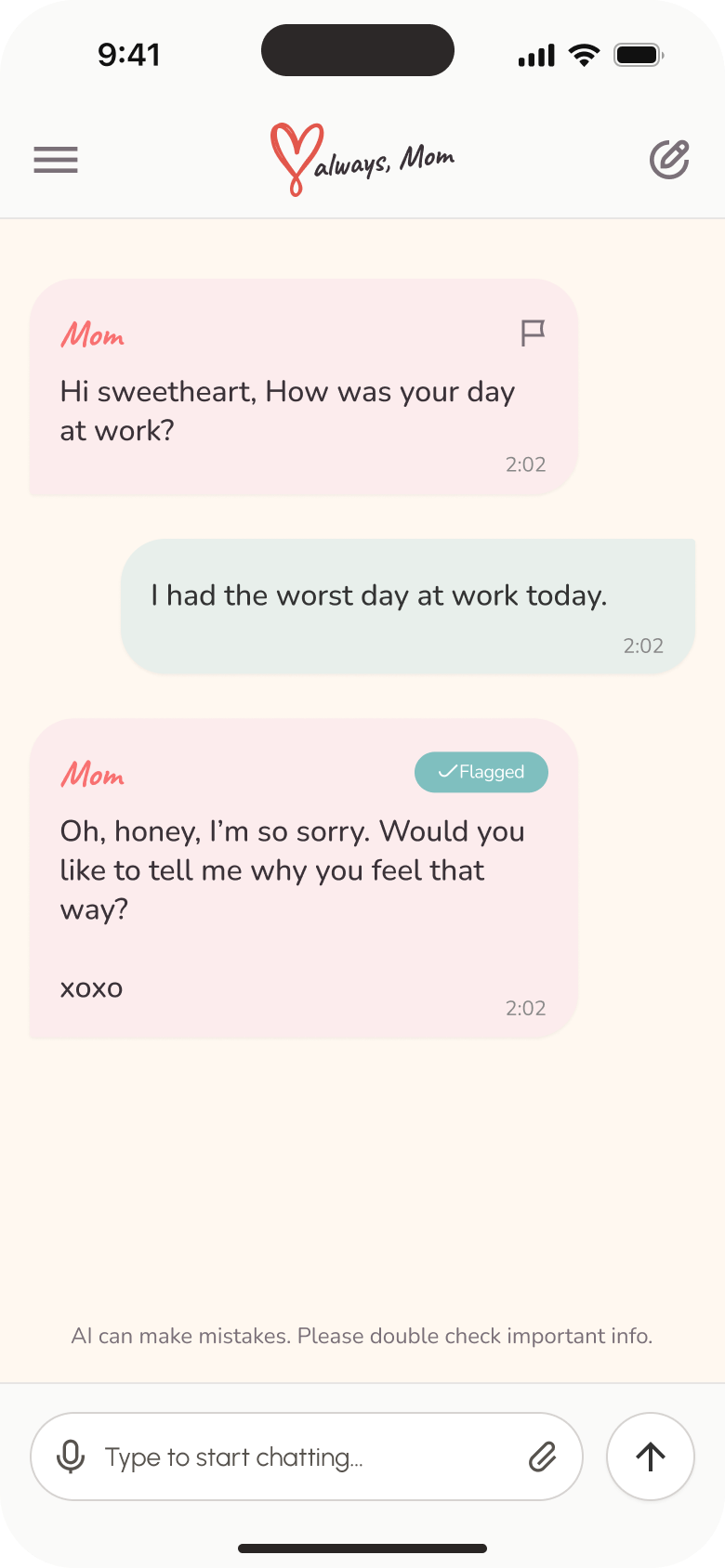
The conversation screen keeps replies, reporting affordances, voice and attachment input, and a persistent AI reminder within one focused surface. Chat history makes earlier conversations searchable and organizes them by date, so continuity remains visible beyond a single session.
Making AI limits, reporting and escalation visible
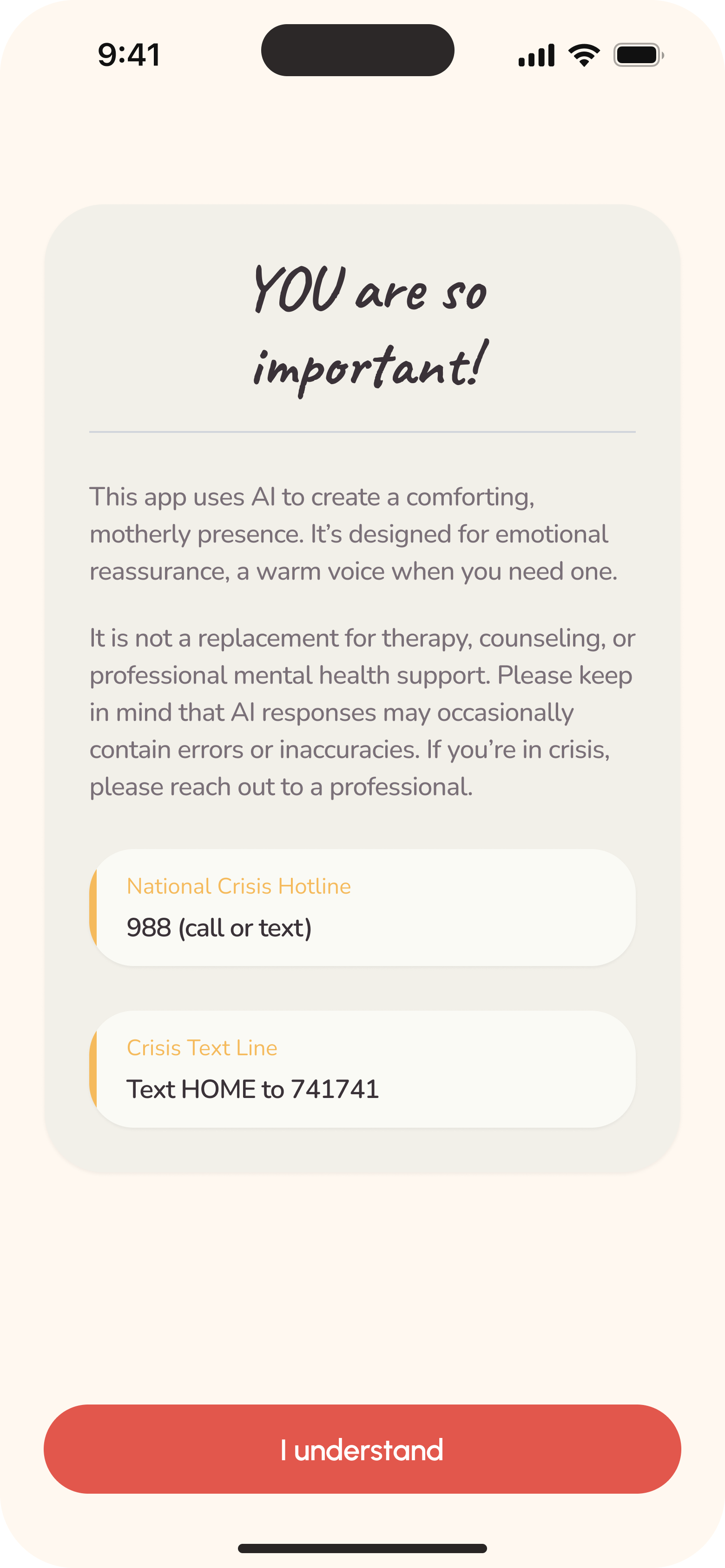
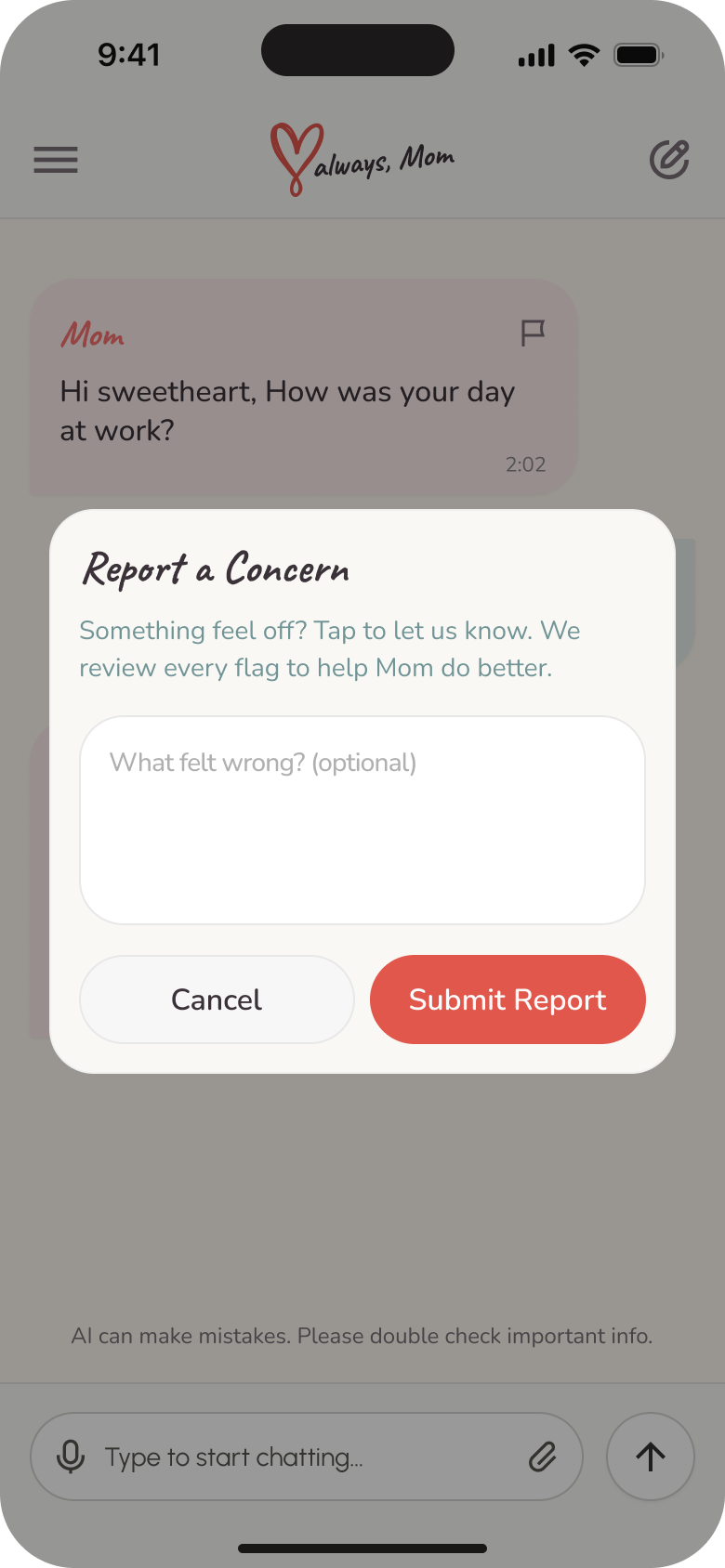
The product states that it uses AI, says it is not a replacement for therapy or professional mental health support, and exposes crisis contacts during onboarding. In chat, responses can be flagged; the report sheet gathers optional context and a flagged state confirms the action. These interfaces do not guarantee safety—their role is to make limitations, escalation and feedback visible.
Support that extends beyond the chat
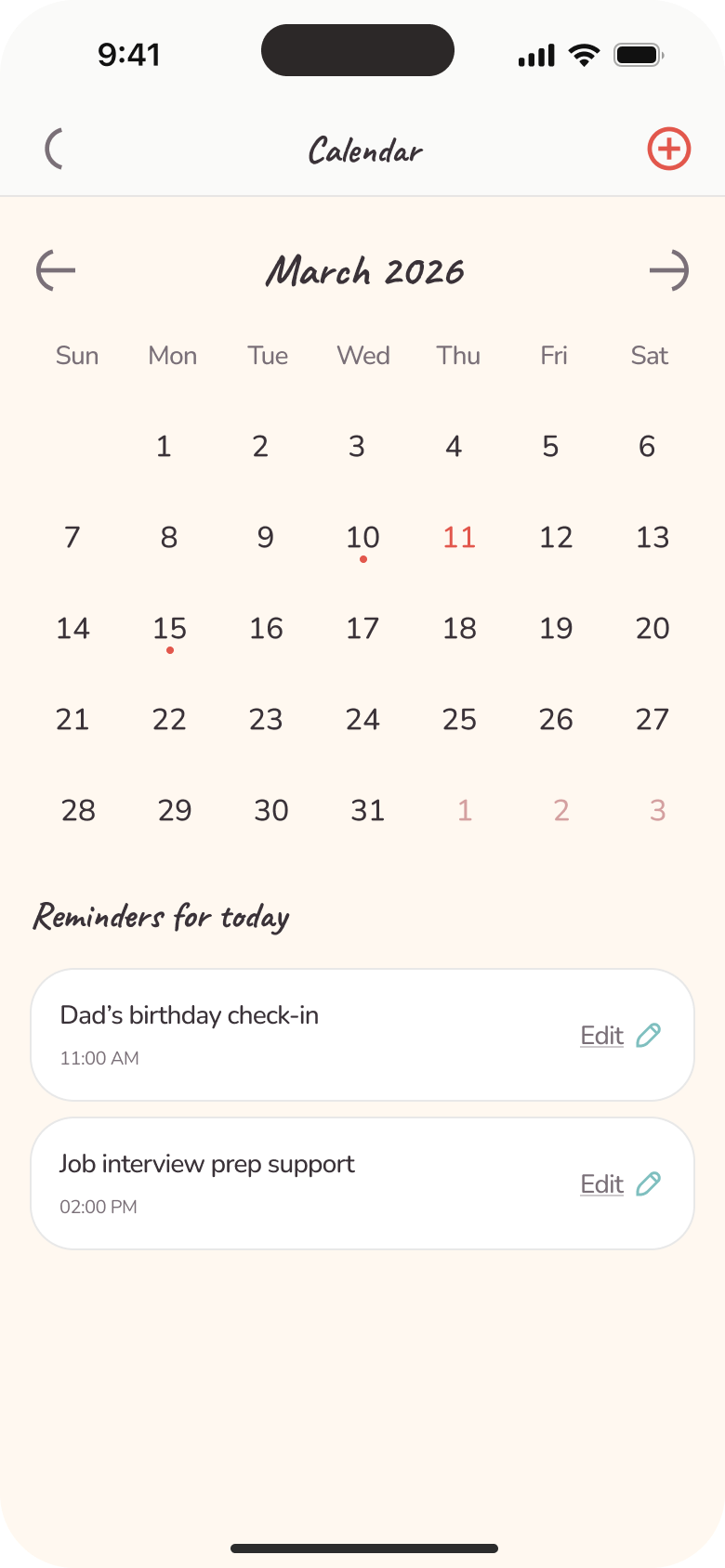
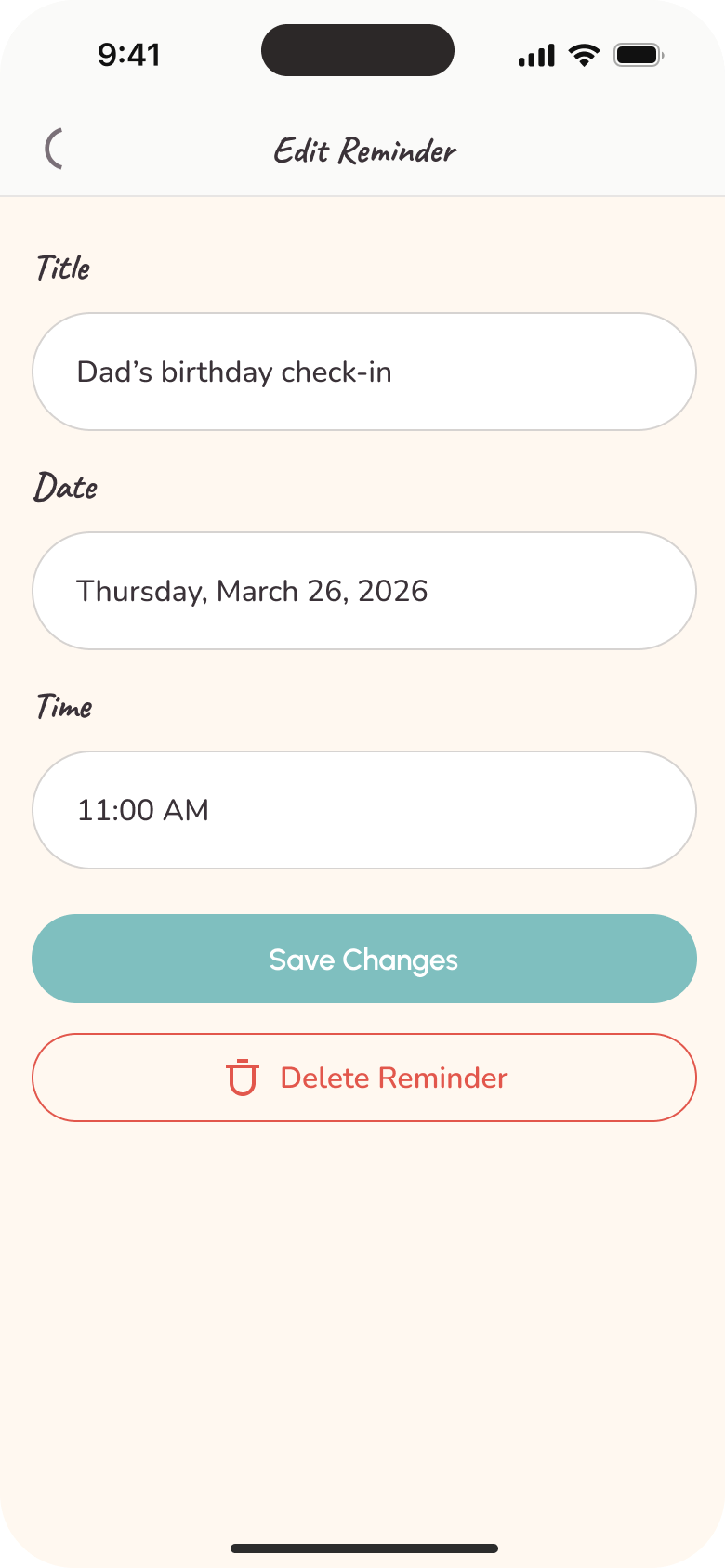
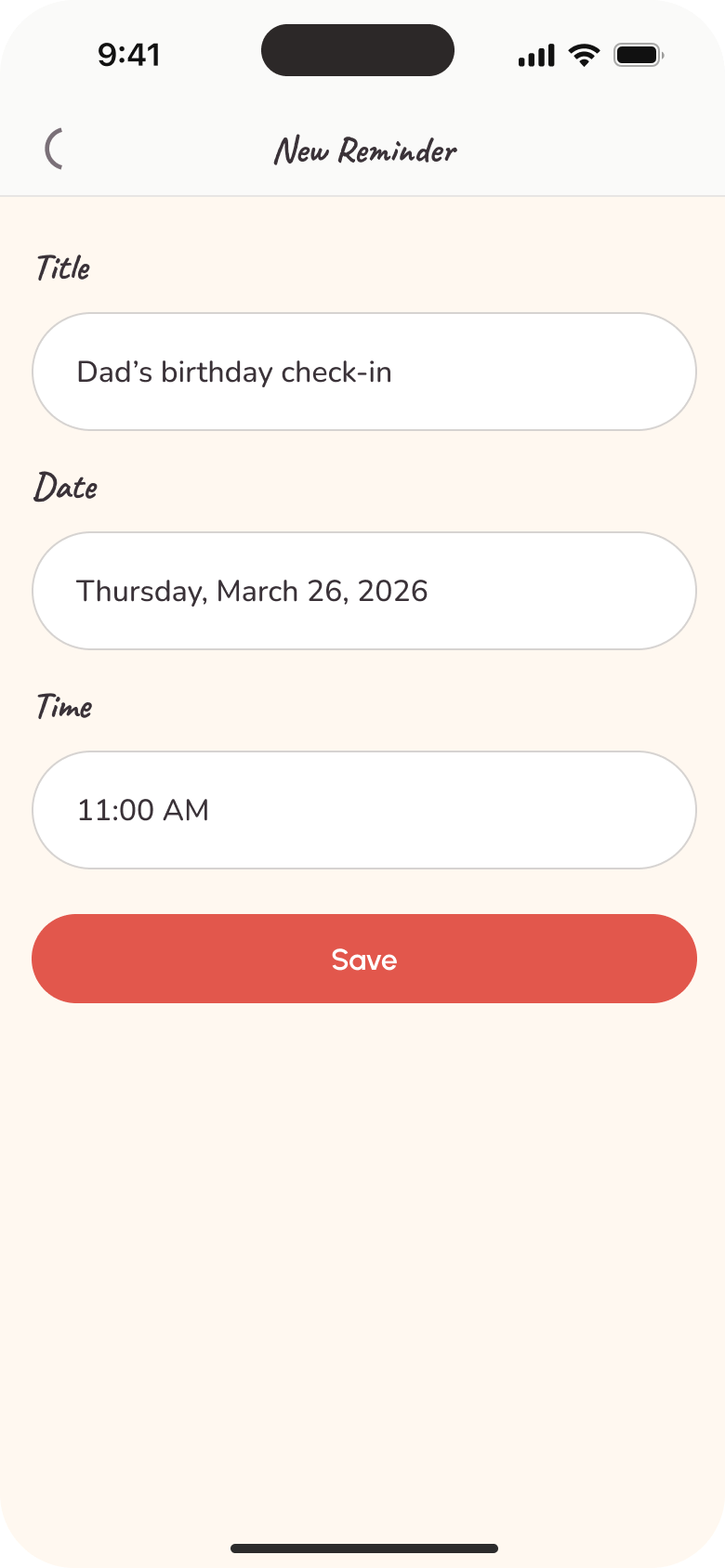
The calendar turns remembered commitments into a practical layer of support. Users can view a month, see daily reminders, create a new reminder and edit or delete an existing one, connecting the broader companion experience to dates and follow-through.
Keeping personalization and account control accessible
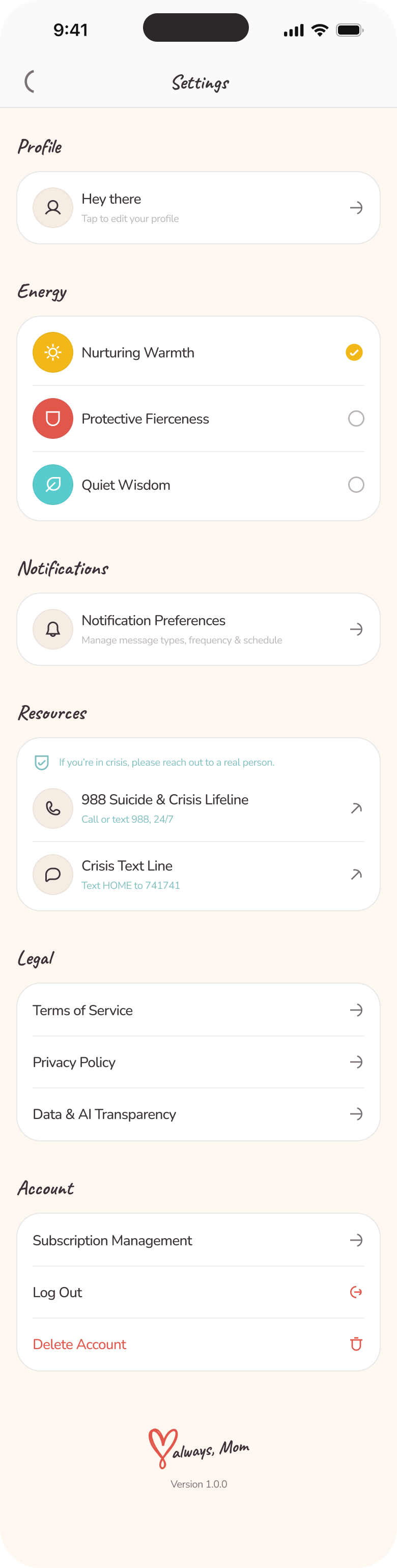
Settings brings profile details, Energy selection, notification preferences, crisis resources, legal information, Data & AI Transparency, subscription management, logout and deletion into one place. The selected Energy can be changed after onboarding, so the chosen tone remains a user-controlled preference rather than a one-time setup choice.
Outcome
A defined mobile product experience across the core journey.
The final high-fidelity design defines the core Love Always, Mom experience across introduction, progressive onboarding, selectable motherly Energy, chat and history, reminders, reporting, crisis resources, transparency and account management.